English
  Español
  عربى
عربى
Home / News / Industry News / How to Fix Ink Adhesion on Metallic Silver Cardstock in UV Offset Printing
Industry News


Content
Metallic silver cardstock gives premium packaging its distinctive mirror-like finish. Cosmetic boxes, wine labels, and gift packaging rely on this material to communicate quality at the point of sale. For printers, however, metallic silver cardstock is also a demanding substrate. Because the metallized surface is non-absorbent and extremely smooth, UV offset inks have no pores to grip. Adhesion failures such as peeling, chipping, and tape-test failures can appear at the delivery end, during die-cutting, or weeks later at the customer site.
This guide explains how to solve ink adhesion problems on metallic silver cardstock during UV offset printing. It covers root causes, pre-press testing, press-side adjustments, curing optimization, surface treatment, and a practical troubleshooting checklist for the production floor.
Adhesion on metallized surfaces depends on a different mechanism than adhesion on conventional coated paper. Paper absorbs ink and forms a mechanical bond. Metallic silver cardstock cannot do that. The metallized layer, usually a vacuum-deposited aluminum coating or a laminated film, is dense, smooth, and chemically inert. The only way UV ink can stay attached is through secondary bonding forces between the ink film and the substrate. Any condition that interrupts those forces leads to adhesion failure.
Key rule: Measure surface energy before every long run. Low dyne level is the cause behind most metallic silver cardstock adhesion failures.
The first step is verifying that the cardstock in the delivery stack is actually printable. Not all metallic silver cardstock is manufactured for UV offset printing. Some grades are intended for foil stamping, die-cutting, or gift packaging, and their surface energy is not controlled for ink adhesion. Ask your material supplier whether the grade is treated or coated for UV printing. For stable behavior and predictable adhesion, choose a cardstock grade manufactured with a controlled metallized layer and a surface profile suited to UV offset inks.
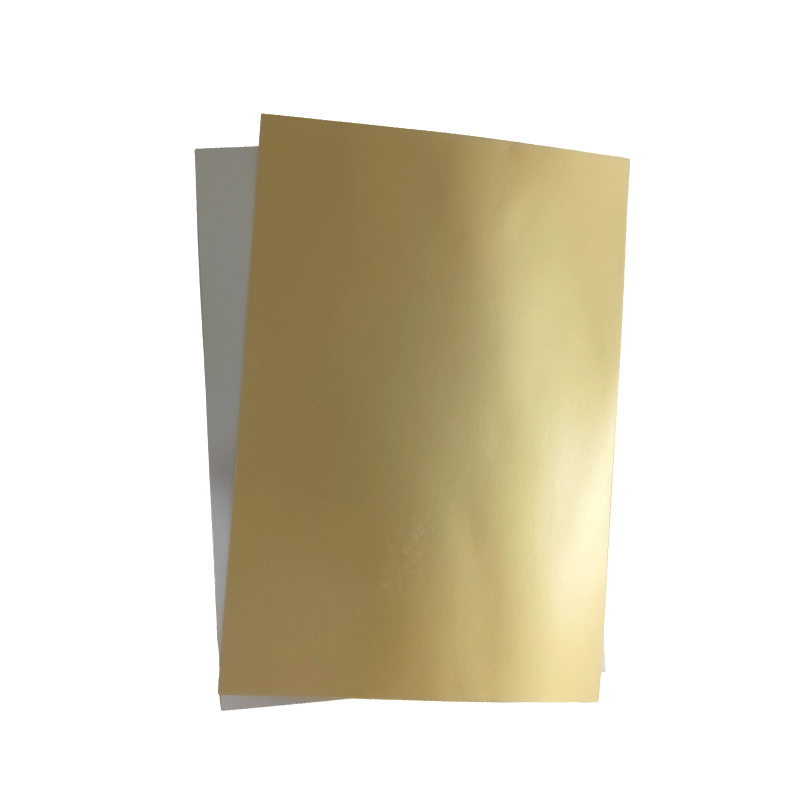
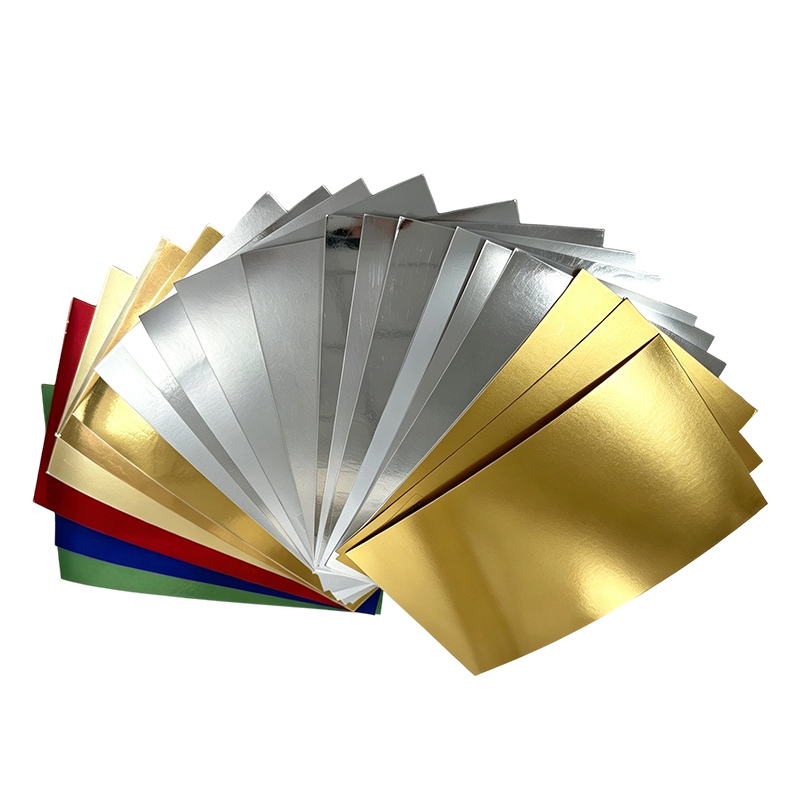 Metallic Silver Cardstock for UV Offset PrintingThis metallized silver board offers controlled surface energy and a smooth, laminated finish, making it a reliable choice when verifying ink adhesion before UV offset runs.View Product →
Surface energy is measured with dyne pens or dyne solutions. Draw a line across the metallic surface. If the liquid beads within two seconds, the surface energy is below the rated level of that pen. Test with increasing ratings until the liquid forms a continuous line; that value is the approximate surface tension.
For UV offset printing on metallic silver cardstock, aim for at least 40 mN/m. Values below 38 mN/m are likely to cause wetting and adhesion failures. If the material tests below this level, use an alternative grade or run an in-line surface treatment before printing. Also test after storage, because metallized surfaces can lose several mN/m of surface energy during shelf life.
Ask your ink supplier for a grade formulated for metallized substrates. These inks contain adhesion-promoting resins and a tuned photoinitiator package for non-absorbent surfaces. If the ink is already on press and failures appear, check whether the batch is suitable for the current substrate. A general review of metallic cardstock materials for printing and packaging can help you assess the full picture before batch selection.
Once the material and ink pass initial checks, the press itself is the next area of inspection. UV offset printing on metallic silver cardstock requires a different operating window than printing on coated stock.
Alcohol-based dampening improves image wetting but also increases ink emulsification. Excessive water travels into the ink train and can suppress full polymerization. Run the lowest possible water setting that keeps non-image areas clean. Monitor the pH and conductivity of the dampening solution through the shift, because changes in chemistry affect ink behavior on metallized surfaces.
High impression pressure can microscopically deform the metallized layer and exert shear forces that break early-stage bonds. Set the impression to the minimum that gives a clean image. Check roller settings to avoid heavy ink films; a thick film requires more curing energy and is more likely to fail a tape test. Substrate texture also changes the printing window. A brushed silver grade has a directional grain that alters the micro-contact between blanket and board, so pressure balance must be adjusted accordingly.
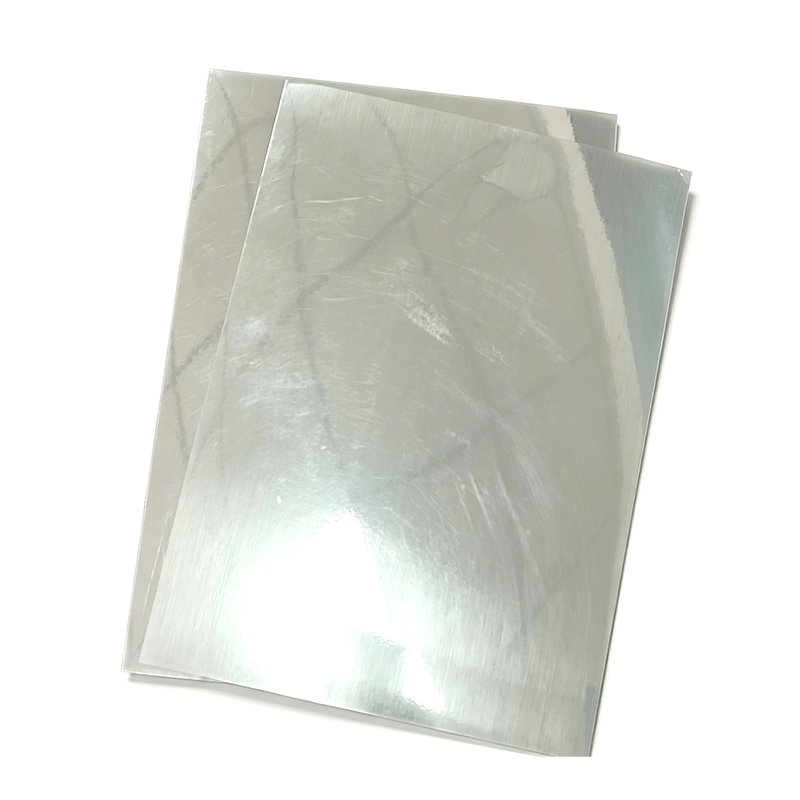 Brushed Silver Cardstock with Directional GrainIts fine brushed texture reduces glare and changes blanket contact, so adjusting pressure and ink film is essential to prevent bonding failures during printing.View Product →
UV inks use aggressive solvents. Old blankets with glaze or residue, or wash-up chemicals left on the blanket, can transfer releasing agents to the sheet and contaminate the bonding surface. Use the recommended UV blanket wash and check that the blanket is clean and correctly tensioned before the run.
For print jobs destined for premium consumer packaging, such as cosmetics and personal care products, the substrate and printing conditions directly control downstream converting performance.
Adhesion failures frequently trace back to incomplete curing at the ink-substrate interface. UV ink is a blend of monomers, oligomers, photoinitiators, and additives. When UV energy hits the film, photoinitiators trigger polymerization. If the total dose is insufficient, or the lamp spectrum does not match the photoinitiator absorption, the lower part of the ink layer stays liquid or semi-liquid. The surface may feel dry, but the bond to the substrate is weak.
Raise lamp power or reduce press speed to deliver more energy to the ink film. Verify with a radiometer that the dose meets the ink supplier's minimum. UV lamps lose intensity over their service life, so record lamp hours and replace lamps according to schedule.
Different photoinitiators absorb at different wavelengths. Gallium-doped lamps add energy in the long-wavelength region, which is sometimes critical for through-cure on metallic grades because the metallized layer reflects part of the UV radiation. Check with the ink supplier whether a specific lamp type is recommended for your ink and substrate combination.
UV lamps generate heat, which can raise sheet temperature significantly. Excessive temperature may drive off volatile components before polymerization is complete. Keep the pressroom environment stable and consider chill rollers for long-run metallic board printing.
If surface energy is low or contamination is suspected, pretreatment is the fastest route to a stable process.
Corona discharge oxidizes the top molecular layer of the metallized surface and raises its surface energy. Plasma treatment works similarly using ionized gas. Both are effective on metallic silver cardstock, though the effect decays over time, so treat as close to the printing units as possible.
Printing a thin layer of UV primer before the colored inks creates a chemically reactive base. This is the most reliable fix when surface treatment is unavailable or the cardstock surface is highly resistant. Confirm that the primer is compatible with both the substrate and the ink. If the high gloss of standard silver board is not desired, a matte silver cardstock reduces reflection interference during curing and gives a softer premium look.
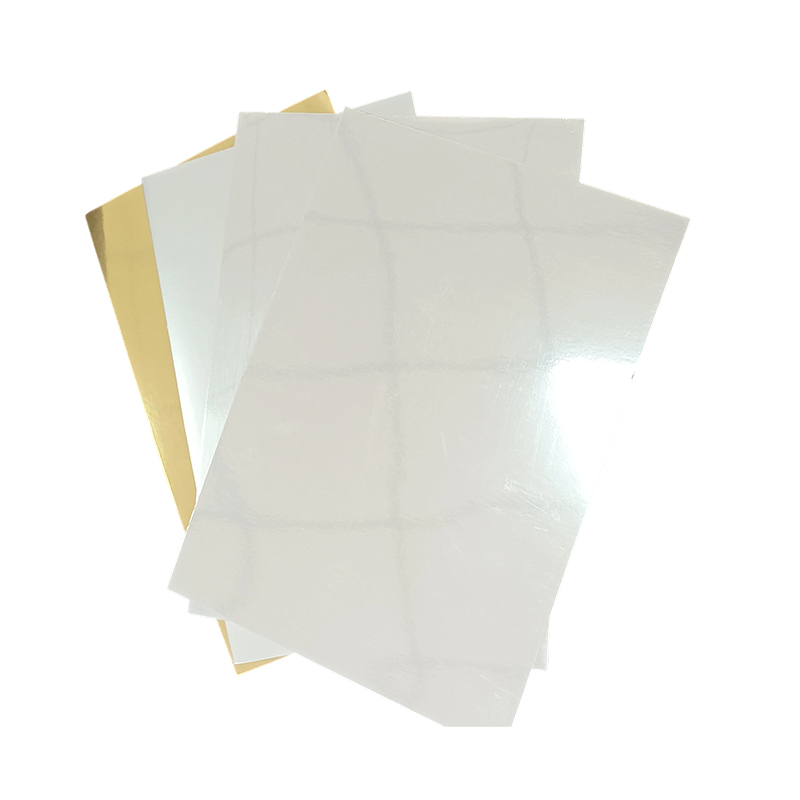 Matte Silver Cardstock for Reduced Curing InterferenceA non-glossy metallic surface that lowers reflection during UV curing, providing a premium look while supporting primer application and consistent ink adhesion.View Product →
If tape tests pass at press delivery but rejections appear after die-cutting, creasing, or foil stamping, the cause is likely mechanical stress. Inspect die sharpness, creasing tools, and converting speed. Also allow printed sheets to complete post-cure before converting; UV inks continue to cross-link for several hours after leaving the press.
Use the table below as a quick reference when adhesion failures appear during production.
| Symptom | Most Likely Cause | Primary Fix |
|---|---|---|
| Ink peels in large areas | Low surface energy | Corona treat or select a print-treated grade at 40 mN/m or higher |
| Passes tape test after press, fails after die-cutting | Post-press mechanical stress | Allow full post-cure before converting |
| Fine type and reverses fail the tape test | Ink film thickness or water balance | Reduce dampening, adjust ink density |
| Adhesion fails intermittently between sheets | Surface energy decay during storage | Retest dyne level and re-treat the batch |
| Surface dry but ink feels soft | Incomplete through-cure | Increase UV dose, check lamp spectrum |
After any press change, repeat the tape-pull test at the delivery end, and again after 10 to 15 minutes of post-cure, to confirm the fix holds across the full run.
The substrate should measure at least 38 to 40 mN/m with a dyne pen. For small type, reverses, and heavy ink coverage, 42 mN/m or higher is recommended. If the value is lower, apply corona or plasma treatment, or switch to a print-treated grade.
A scratch test only evaluates the surface film. A tape-pull test applies a perpendicular force that pulls the entire ink layer away from the substrate. Failure in the tape test indicates a weak boundary at the substrate side, usually caused by low surface energy, contamination, or under-cure at the ink-substrate interface.
No. Overprint varnish protects the ink surface but does not improve the bond between the ink and the metallic cardstock. The adhesion must be established before varnish application. Adding varnish after a failed tape test will only mask the symptom temporarily; the ink may still peel during converting or end use.